This article describes how to use the components provided by Rainbow in mdx to realize the functions that can’t be realized by normal md.
All the components shown in this article have been packaged and can be used directly by importing the components.
Components provided
The components provided by Rainbow are placed in the /mdx folders. Write something under the document properties (frontmatter):
import Collapse from "../../components/mdx/Collapse.astro";
import Diff from "../../components/mdx/Diff.astro";
import Error from "../../components/mdx/Error.astro";
import Info from "../../components/mdx/Info.astro";
import Kbd from "../../components/mdx/Kbd.astro";
import Success from "../../components/mdx/Success.astro";
import Warning from "../../components/mdx/Warning.astro";
import TimeLine from "../../components/mdx/TimeLine.astro";
import LinkCard from "../../components/mdx/LinkCard.astro";
Then you can use them anywhere in the article.
Example Usage
Here are some examples of how to use these components:
Repository Cards
Loading repository information...
Link Cards
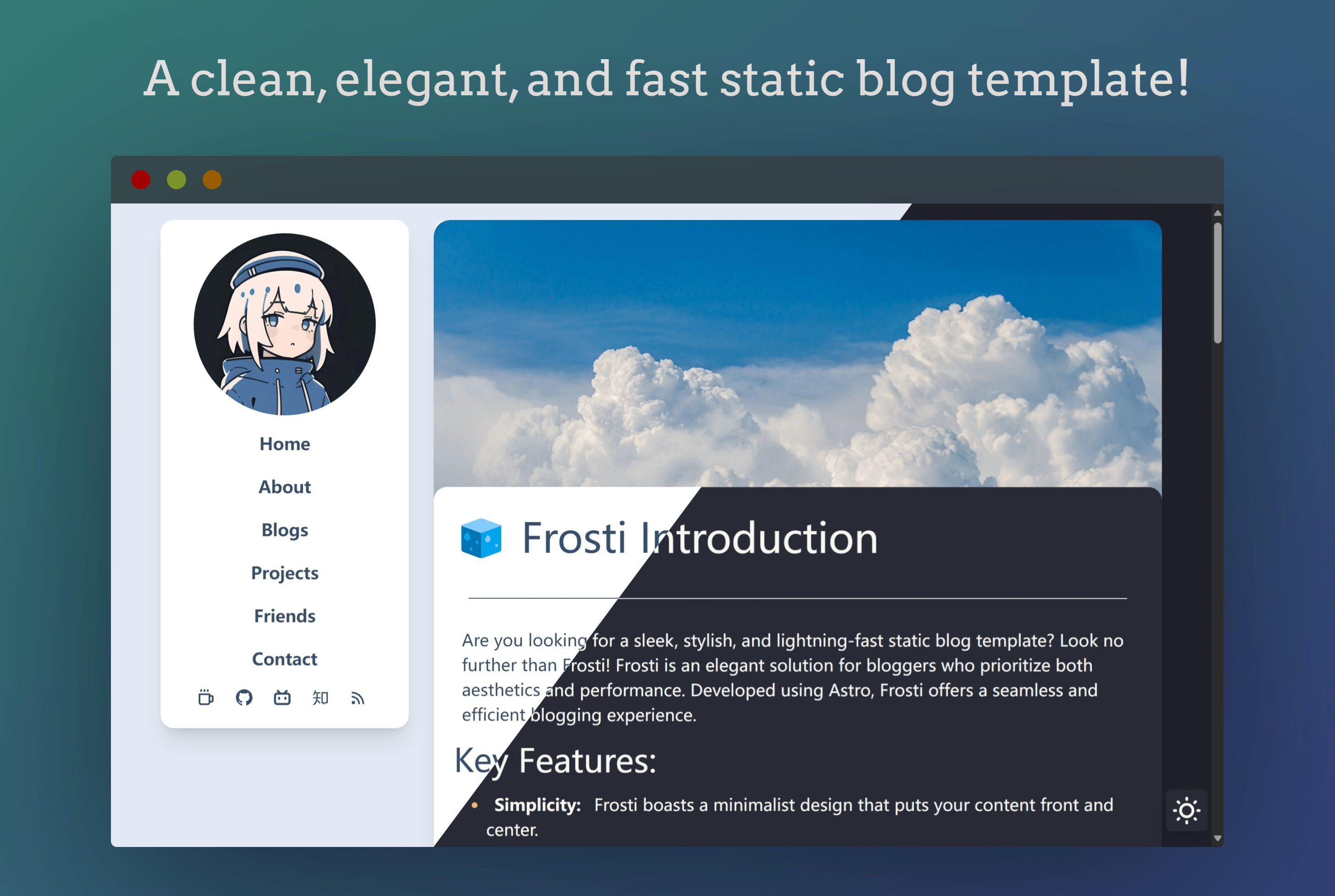
<LinkCard
  title="Rainbow"
  desc="Rainbow is an elegant, simple, clean Astro blog template"
  url="https://github.com/EveSunMaple/Rainbow"
  img="/view.png"
/>
GitHub Stats
You can also display GitHub statistics for repositories:
EveSunMaple/Rainbow
GitHub Repository
Primary Language
Contributors
YouTube Embeds
You can also embed YouTube videos directly in your MDX content:
This makes it easy to include video content in your blog posts without having to deal with iframe code manually.
Conclusion
These MDX components make it easy to add rich, interactive content to your Rainbow blog posts. They provide a consistent look and feel while extending the capabilities beyond standard Markdown.